
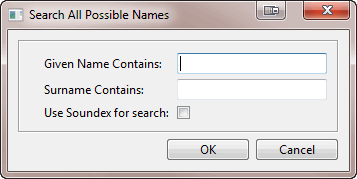
Search for individuals by specifying a given name, surname or both. A table of all matching individuals is returned with links to each record.
Family Historian Version(s): V5 V6 V7
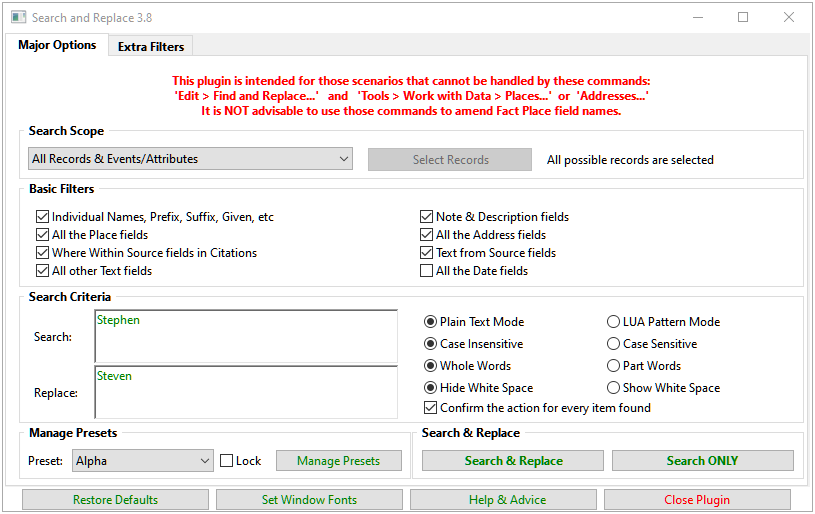
Searches for any text, age, or date values within the current project, and allows them to be replaced by new values, with an optional confirmation at each stage. On completion, all processed values are listed in a Result Set with links back to the record fields. Supports regular expression style Lua pattern matching. See the Help & Advice pages for full details. This plugin is intended for those scenarios that cannot be handled by these commands: Edit > Find and Replace... and Tools > Work with Data > Places... or Addresses... However, do NOT use Edit > Find and Replace... to change any Place field names as it will upset your Place records.
Family Historian Version(s): V5 V6 V7
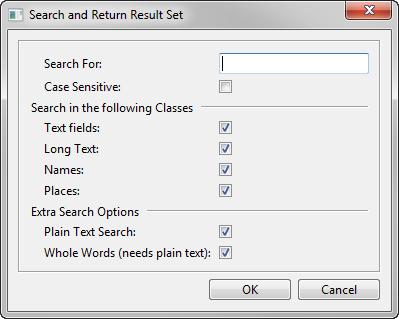
Search for a specified word or phrase in all text fields in the current project, with options to narrow the scope of the search. The matching fields are listed in a table in the Query Window result set, with links back to each context of use (double-click on any Item to view it in the Property Box).
Family Historian Version(s): V5 V6 V7
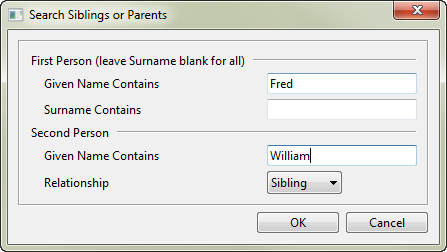
Allows a quick search for a Person where they have a Parent or Sibling with a selected given name. Half Siblings are also searched as are Step parents when using the Parent option. The search produces a result set listing the matching people. Leave the second name blank list list all siblings or parents for the first person.
Family Historian Version(s): V5 V6 V7
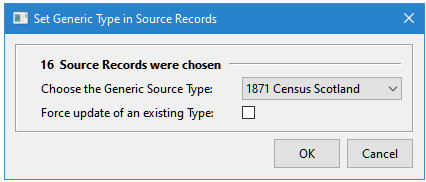
Set or clear the Generic Source Type in any chosen selection of Source records. There is an option to update records that already have a Generic Source Type defined. To set a Generic Source Type that has not been used before, first manually set its value in one Source record, then it will be available in the plugin to set in the chosen Source records. After running the plugin a Result Set lists all the Source records that have been updated.
Family Historian Version(s): V6 V7

This plugin displays a summary of statistics for the Project and reports any exceptional data in a Result Set after closure. The exceptions reported are not necessarily errors but may just be unusual details that need reviewing. The Options tab allows classes of exceptions to be excluded from the other tabs and the Result Set without needing to use Update Statistics. See the Help & Advice for further details.
Family Historian Version(s): V5 V6 V7
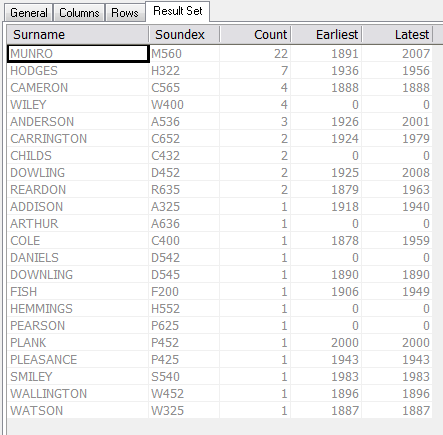
Counts and Lists All Surnames in the File.
Family Historian Version(s): V5 V6 V7
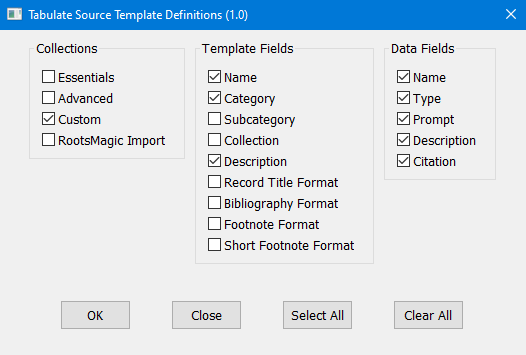
This plugin creates a table of all available Source Template Definitions, which greatly simplifies the process of reviewing template structure and comparing data fields across different templates. Templates can be selected by Collection, and specific fields selected as required. To aid comparison between templates (e.g., to look for similarly named fields), all template data fields are listed in the same column. As a result, the template details are repeated for each data field. The output table can be viewed and sorted as presented, or exported as a CSV file for more detailed analysis in your spreadsheet of choice. Please post support queries or comments related to this plugin on either the Family Historian User Group (preferably), or Family Historian at Groups.io mailing list.
Family Historian Version(s): V7
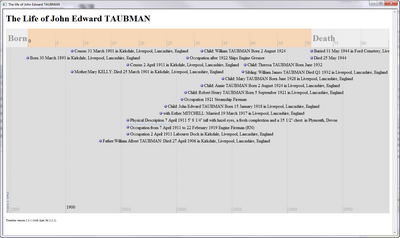
Creates a web page containing a timeline to display the events of persons life. Can either create a temporary page to see the currently selected person, or can select a group of people and create a whole set of pages for use on a web site. Uses SIMILE Widgets to display the time line which requires an active internet connection to operate, also due to restrictions in the security settings the pages will not work correctly in Chrome, which prevents downloaded applets from loading local files (when loaded on a web site Chrome will work). Note: Exported Time lines will not display if stored locally on modern browsers, but will work when placed on a web server, due to security options.
Family Historian Version(s): V5 V6 V7
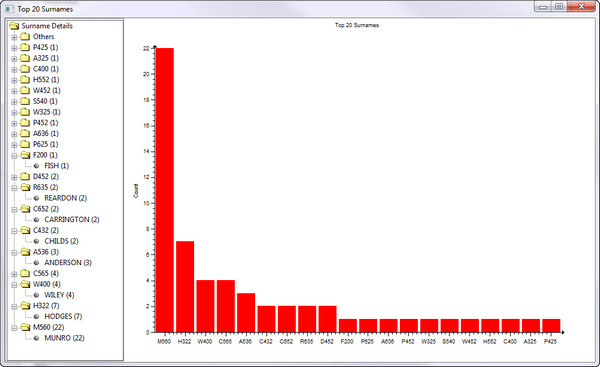
Counts the number of occurrences of all primary name Surnames and shows the 20 most common as a bar chart.
Family Historian Version(s): V5 V6 V7
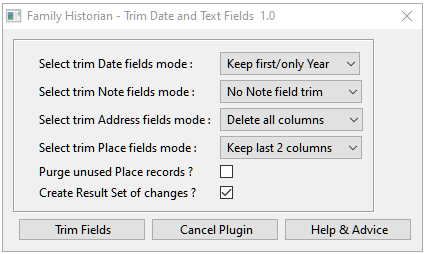
This plugin trims the contents of Date, Note, Address and Place fields prior to uploading a GEDCOM to an online website. The objective is to hide details so that visitors to the online tree are encouraged to contact the owner to confirm matches and obtain the details. See the Help & Advice and Knowledge Base Export to Website Without Sensitive Data advice for an example of use.
Family Historian Version(s): V5 V6 V7
Produces a Result Set Containing all the Unidentified Data Fields in the Gedcom. Along with their data references and the Records containing them.
Family Historian Version(s): V5 V6 V7

Shows list of recently updated records. Option to choose record type - Individuals, Families, Multimedia, Notes. Then options of 7, 14, or 30 days. Error in v2.0 fixed
Family Historian Version(s): V7
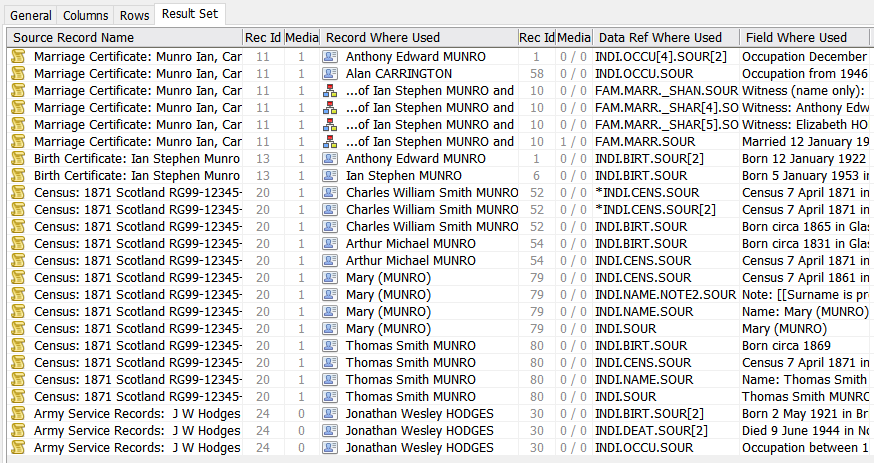
This generates a Result Set listing where any Records are used, similar to the View > Record Links… command, Tools > Work with Data > Places… > Where Used… button, and List All Citations for a Selected Source plugin. However, this plugin supports all Record Types, for any selection of Records, and lists details of the explicit Where Used fields appropriate for the Record Type. If the same Record is used in the same place twice, the Data Ref Where Used is marked with an asterisk. If a Record is linked from a rich text Record Link, the Data Ref Where Used is marked with an @ sign. Records to analyse can be selected via a prompt dialogue or by preselecting them before running the plugin. See the Help page for full details. For further support please post in the Family Historian User Group forums or Family Historian at Groups.io email where the plugin author will answer your questions which can be supplemented with screenshots if necessary.
Family Historian Version(s): V5 V6 V7
« First ‹ Previous 1 4 5 6