
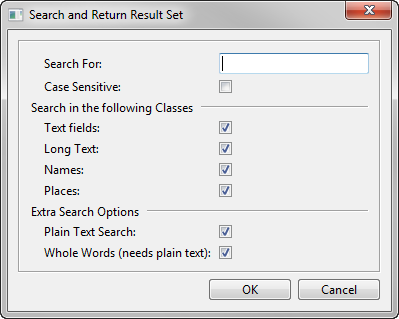
Search for a specified word or phrase in all text fields in the current project, with options to narrow the scope of the search. The matching fields are listed in a table in the Query Window result set, with links back to each context of use (double-click on any Item to view it in the Property Box).
Family Historian Version(s): V5 V6 V7
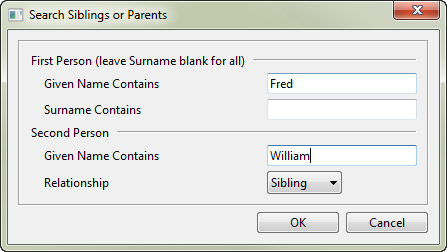
Allows a quick search for a Person where they have a Parent or Sibling with a selected given name. Half Siblings are also searched as are Step parents when using the Parent option. The search produces a result set listing the matching people. Leave the second name blank list list all siblings or parents for the first person.
Family Historian Version(s): V5 V6 V7

This plugin displays a summary of statistics for the Project and reports any exceptional data in a Result Set after closure. The exceptions reported are not necessarily errors but may just be unusual details that need reviewing. The Options tab allows classes of exceptions to be excluded from the other tabs and the Result Set without needing to use Update Statistics. See the Help & Advice for further details.
Family Historian Version(s): V5 V6 V7
Lists all Sources linked to a selected Individual. Works best if Added to Tools Menu. Then select an Individual (in Focus or Records window or Diagram) and click on the entry in the Tools Menu.
Family Historian Version(s): V5 V6
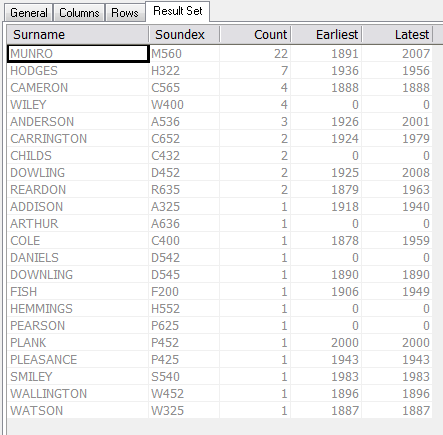
Counts and Lists All Surnames in the File.
Family Historian Version(s): V5 V6 V7
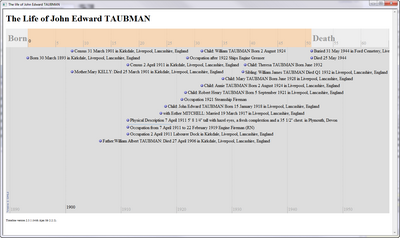
Creates a web page containing a timeline to display the events of persons life. Can either create a temporary page to see the currently selected person, or can select a group of people and create a whole set of pages for use on a web site. Uses SIMILE Widgets to display the time line which requires an active internet connection to operate, also due to restrictions in the security settings the pages will not work correctly in Chrome, which prevents downloaded applets from loading local files (when loaded on a web site Chrome will work). Note: Exported Time lines will not display if stored locally on modern browsers, but will work when placed on a web server, due to security options.
Family Historian Version(s): V5 V6 V7
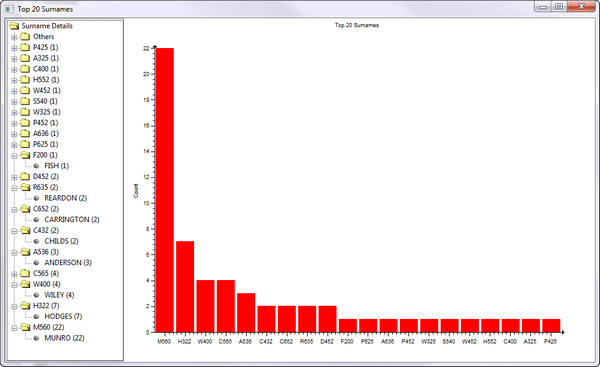
Counts the number of occurrences of all primary name Surnames and shows the 20 most common as a bar chart.
Family Historian Version(s): V5 V6 V7
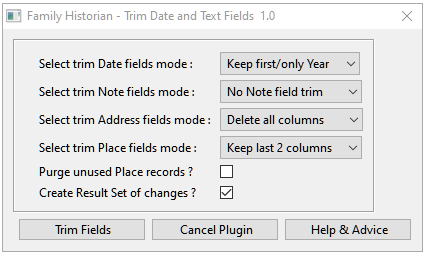
This plugin trims the contents of Date, Note, Address and Place fields prior to uploading a GEDCOM to an online website. The objective is to hide details so that visitors to the online tree are encouraged to contact the owner to confirm matches and obtain the details. See the Help & Advice and Knowledge Base Export to Website Without Sensitive Data advice for an example of use.
Family Historian Version(s): V5 V6 V7
Produces a Result Set Containing all the Unidentified Data Fields in the Gedcom. Along with their data references and the Records containing them.
Family Historian Version(s): V5 V6 V7
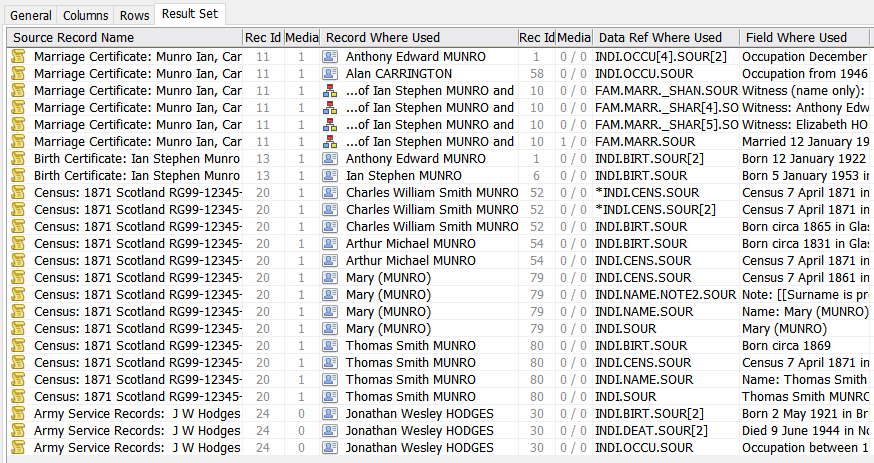
This generates a Result Set listing where any Records are used, similar to the View > Record Links… command, Tools > Work with Data > Places… > Where Used… button, and List All Citations for a Selected Source plugin. However, this plugin supports all Record Types, for any selection of Records, and lists details of the explicit Where Used fields appropriate for the Record Type. If the same Record is used in the same place twice, the Data Ref Where Used is marked with an asterisk. If a Record is linked from a rich text Record Link, the Data Ref Where Used is marked with an @ sign. Records to analyse can be selected via a prompt dialogue or by preselecting them before running the plugin. See the Help page for full details. For further support please post in the Family Historian User Group forums or Family Historian at Groups.io email where the plugin author will answer your questions which can be supplemented with screenshots if necessary.
Family Historian Version(s): V5 V6 V7
« First ‹ Previous 1 3 4 5